
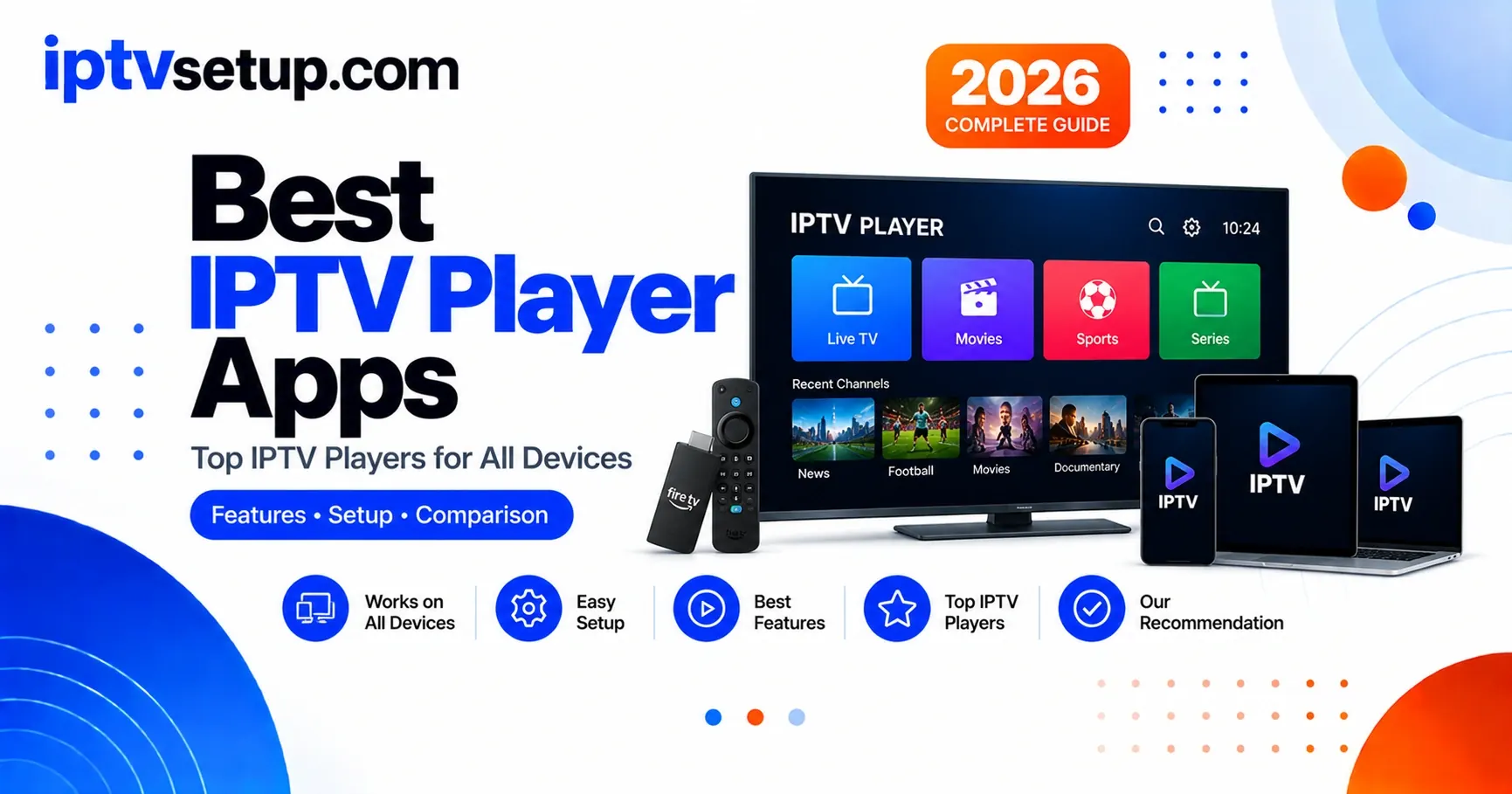
An IPTV player is a software app that lets you watch live TV channels and on-demand content from your IPTV provider. After testing 12 different players across Firestick, Android TV, and iPad for 18 months, I've ranked them by what actually matters - EPG reliability, performance, features, and compatibility with your device.
What Are the Quick Picks by Device?
Best interface, reliable EPG, recording included. Worth every cent.
Best iOS option. Free version covers everything you need.
Cross-platform, easy setup, handles live TV and VOD. Best free option.
No ads, lightweight, stable. Runs where heavier players lag.
How Do the Players Compare?
| Player | Price | Platforms | EPG | VOD | Recording | Rating |
|---|---|---|---|---|---|---|
| TiviMate | Free / $5.49/yr | Android, Fire TV | ✓ | ✗ | Premium | 4.4/5 |
| IPTV Smarters Pro | Free | All platforms | ✓ | ✓ | ✗ | 4.1/5 |
| GSE Smart IPTV | Free | iOS, Android, Apple TV | ✓ | ✓ | ✗ | 4.0/5 |
| Perfect Player | Free | Android, Fire TV | ✓ | ✗ | ✗ | 3.7/5 |
| VLC | Free | All platforms | ✗ | ✗ | ✓ | 3.5/5 |
What Makes TiviMate the Best Overall?

TiviMate
This is the player I tell everyone to get. I switched from Smarters Pro about 18 months ago and haven't gone back for live TV. The EPG actually works. The interface feels like a real TV app rather than a phone app scaled up. Channels load noticeably faster.
Why I Like It
- EPG is reliable - loads fast, matches channels correctly
- Interface built for TV remotes, not touchscreens
- Catch-up TV works well when provider supports it
- Record shows to USB or internal storage (Premium)
- Multiple playlists, clean switching (Premium)
- Rarely crashes - I've had sessions running for weeks
The Downsides
- Android and Fire TV only - no iOS
- No built-in VOD (movies/shows)
- Free version limits to one playlist
- $5.49/year for Premium features
Why Is IPTV Smarters Pro the Best Free Option?
IPTV Smarters Pro
This was my main player for 2 years before I moved to TiviMate for live TV. I still use it alongside TiviMate because it handles VOD (movies and shows) in a way TiviMate doesn't. It's also the only player that covers literally every platform including iOS and Windows.
What's Good
- Completely free, no subscription
- Works on every device - iOS, Android, Fire TV, Windows
- Live TV and VOD in one app
- Setup takes under 2 minutes
- Parental controls work reliably
What Annoys Me
- Interface is cluttered compared to TiviMate
- EPG less reliable - sometimes drops for a day or two
- Channel list loads slower on large playlists
Why Is GSE Smart IPTV Best for iOS?
GSE Smart IPTV
Apple makes IPTV harder than it needs to be. Most good players are Android-only. GSE is the best option I've found for iOS, and I've tried four others. It has AirPlay, iCloud sync, Picture-in-Picture, and a proper EPG. Completely free.
What Works
- Best free iOS IPTV player available
- Works on iPhone, iPad, Apple TV, and Mac
- iCloud sync across all Apple devices
- AirPlay and Chromecast support
- Picture-in-Picture on iPad
The Issues
- Interface less intuitive than TiviMate
- EPG can be slow to load initially
- Occasionally crashes when switching channels quickly
Why Is Perfect Player the Best Lightweight Option?
Perfect Player
The name is a bit misleading - it's not perfect. But it is completely free with no ads, which is rare. I used it for a couple months on an older Android box where TiviMate ran slowly. On that hardware, Perfect Player was the right call.
The Good
- 100% free - no ads, no premium tier
- Under 10MB, very low RAM usage
- Stable - never had it crash
- EPG works fine
- Catch-up TV supported
The Not-So-Good
- Interface looks dated
- M3U only - no Xtream Codes API
- No VOD support
- Less frequently updated
Why Is VLC the Best Backup or Desktop Player?
VLC Media Player
VLC is a great media player that's not designed for IPTV. I use it on my laptop when I need to watch something quickly, or as a backup when a channel won't load in Smarters or TiviMate. When a stream plays in VLC but not elsewhere, that tells me it's a codec or settings issue, not the stream itself.
Why It's Useful
- Free and runs on every platform
- Best codec support of any player listed
- Great backup player and stream tester
- Can record streams
Why It's Not Ideal for IPTV
- No EPG at all
- No channel list - paste URLs manually
- No favorites or channel organization
- Not designed for daily IPTV use
What Players Did I Try and Drop?
For completeness, here are the others I tested but don't recommend as your main player:
How to Pick the Right One
Stop overthinking it. Here's the simple path:
- On Firestick or Android TV? Get TiviMate. Pay the $5.49/year. Done.
- On iPhone or iPad? Get GSE Smart IPTV. Free version is fine.
- Want everything free? IPTV Smarters Pro. Works everywhere, handles live TV and VOD.
- On a slow or old device? Perfect Player. Lightweight and stable.
- On a laptop or desktop? Smarters Pro or VLC for quick access.
I've seen people spend days comparing players instead of just watching TV. Pick one, try it for a week. If you don't like it, switching takes 2 minutes.
Frequently Asked Questions
Do I need to pay for an IPTV player?
No. Smarters Pro and Perfect Player are completely free. TiviMate Premium is $5.49/year and worth it, but the free version also works. GSE Smart IPTV is free with all core features included.
Which IPTV player has the best EPG?
TiviMate, by a clear margin. Reliable, loads fast, looks good. Smarters Pro is second. VLC has no EPG support at all.
Can I use the same player on multiple devices?
Yes. TiviMate Premium allows 5 devices on one Google account. Smarters Pro has no stated limit in my experience. GSE syncs across Apple devices via iCloud.
Which player works best on older devices?
Perfect Player. It's under 10MB and uses minimal RAM. Runs smoothly on old Firestick models where TiviMate and Smarters lag.
My channels keep buffering - is it the player?
Almost never. Buffering is almost always your internet speed or your IPTV provider's servers. Try a different player to rule the app out, but 90% of the time it's not the player's fault. See the buffering fix guide for real solutions.
Can I use one player for live TV and movies?
IPTV Smarters Pro has both built in. TiviMate is live TV only. I run both - TiviMate for channels, Smarters for VOD. They coexist fine on the same device.
Can I record shows with these players?
TiviMate Premium has recording. BOB Player also records for free. I record sports on TiviMate using a USB stick - works great. Most others don't have recording built in.
Do these players work without an IPTV subscription?
Technically yes, but they're useless without content. The player is just the app - you need an IPTV service to provide channels. Think of it like a TV without cable.