How to Choose an IPTV Service in 2026 (What Actually Matters)
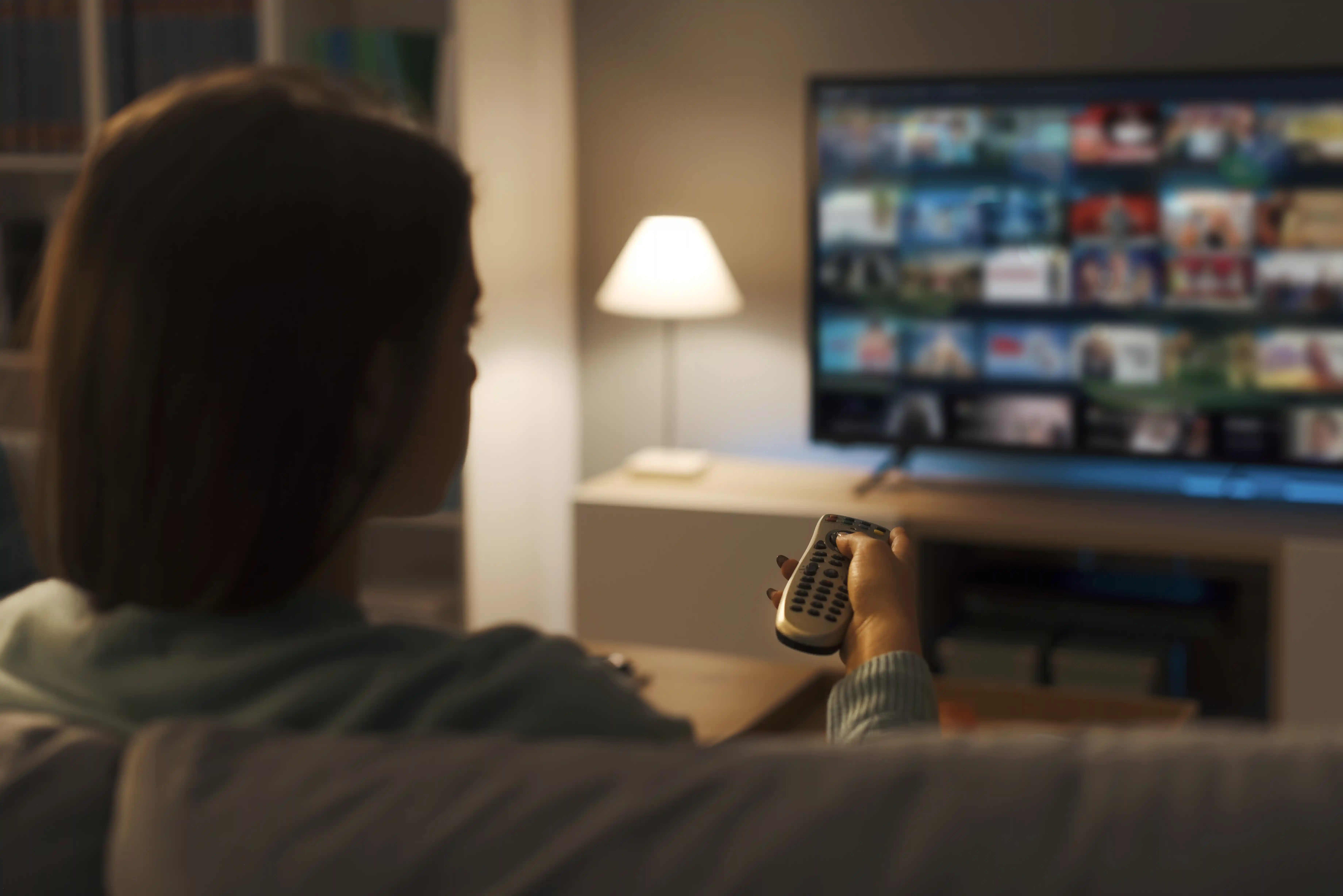
What is an IPTV Service?
An IPTV service delivers TV channels, movies, and sports over the internet instead of cable or satellite. You pay a monthly subscription, get login credentials, and watch on any device using an IPTV player app. No dish, no cable box, no long-term contract.
The catch: quality varies enormously between providers. A $10/month service can be better than a $25/month one. This guide explains how to tell the difference.
Types of IPTV Services
Subscription-Based
Monthly or yearly plans with fixed pricing. Most reliable option. Includes customer support, regular updates, and money-back guarantees.
- Consistent quality
- Proper customer support
- Regular content updates
- Money-back guarantees
Free IPTV Services
Limited channels, heavy ads, unreliable streams. Fine for occasional testing but not for daily use. Don't expect support when things break.
- No cost
- Very limited channels
- Frequent buffering
- No support
Premium IPTV Services
Top-tier services with 4K content, large VOD libraries, and priority support. Worth the extra cost if you watch daily and want reliability.
- 4K/HD quality
- 1,000+ channels
- Extensive VOD library
- 24/7 priority support
What Actually Matters When Choosing
After 3 years and 30+ services tested, these are the factors that actually predict whether a service is good:
Uptime During Peak Hours
Any provider claims 99.9% uptime. Test during evenings (7-10 PM) and major live sports events. That's when servers get stressed and the truth comes out.
Real Channel Count
Providers inflate numbers with dead links. A service with 500 working channels beats one claiming 5,000 with half broken. Always verify your specific channels during a trial.
Stream Quality Consistency
Consistent HD without buffering matters more than 4K that freezes. Check bitrate stability, not just advertised resolution.
Support Response Time
Send a pre-sales question before subscribing. If they take 3 days to reply now, imagine when you have a real problem at 9 PM on a Saturday.
Free Trial Availability
Never pay for a full month without testing first. Any legitimate provider offers at least 24-48 hours. No trial is a red flag.
Device Compatibility
Verify it works on your specific devices. Firestick, Android TV, Smart TV, iOS — not all providers support all platforms equally.
Top IPTV Services Compared
Premium IPTV Pro
Best Overall- 1,000+ HD/4K channels
- 5 simultaneous connections
- 48-hour free trial
- 24/7 live chat support
- VOD library included
StreamMax IPTV
Best for Sports- 800+ channels (200+ sports)
- 3 simultaneous connections
- 24-hour free trial
- All PPV events included
- Low latency streams
Global IPTV Plus
Best International- 1,200+ channels, 50+ countries
- 4 simultaneous connections
- 72-hour free trial
- Multi-language EPG
- International VOD
BudgetStream IPTV
Best Budget- 500+ channels
- 2 simultaneous connections
- Free trial available
- HD quality
- Basic VOD library
Key Features Explained
EPG (Electronic Program Guide)
The TV guide that shows what's on now and what's coming up. A good EPG is accurate, updates automatically, and covers most channels. A bad one shows wrong times or is empty. Always check EPG quality during your trial.
VOD (Video on Demand)
Movies and TV series you can watch anytime. Quality varies hugely — some providers have 50,000 titles, others have 500. Check if the content is actually playable, not just listed.
Catch-Up TV
Watch programs that aired in the past 3-14 days. Not all providers offer this, and those that do vary in how far back you can go. Useful if you miss live shows regularly.
Simultaneous Connections
How many devices can stream at the same time. A family of 4 needs at least 3-4 connections. Single users are fine with 1-2. Don't pay for connections you won't use.
How to Set Up Your IPTV Service
Use the comparison above. Always test before paying. See our IPTV free trial guide for what to check.
After subscribing, you'll get a username, password, and server URL by email. Keep these safe.
IPTV Smarters Pro or TiviMate are the best options. Both are free and work with any provider.
Use Xtream Codes API if your provider supports it — it's easier and includes VOD automatically.
Check your channels, set up favorites, configure EPG. See our full IPTV setup guide for detailed steps.
Legal vs Illegal IPTV Services
Legal IPTV Services
- Licensed content providers
- Proper broadcasting rights
- Registered business with contact info
- Transparent pricing and terms
- Responsive customer support
- Secure payment methods
Illegal IPTV Services
- Pirated content, no licensing
- Anonymous operators
- No website or contact info
- Suspiciously cheap ($3-5/month)
- Crypto-only payments
- No refund policy
Read our full IPTV legal guide for more details on staying on the right side of the law.
Red Flags to Avoid
Warning Signs of a Bad IPTV Service
Frequently Asked Questions
Common questions about choosing and using IPTV services:
How much does an IPTV service cost?
Typically $10-$25 per month. Budget services start around $10, mid-range around $15-18, and premium 4K services around $20-25. Annual plans usually save 20-40%. Don't assume expensive means better — test with a free trial first.
Do I need special equipment for IPTV?
No special hardware required. You can use your existing Smart TV, Firestick, Android box, smartphone, or computer. The only requirement is a stable internet connection of at least 10 Mbps for HD.
What internet speed do I need for IPTV?
Minimum 10 Mbps for HD, 25+ Mbps for 4K. More importantly, the connection needs to be stable. A consistent 15 Mbps wired connection beats an unstable 100 Mbps Wi-Fi connection for IPTV. If you're buffering, try Ethernet before upgrading your plan.
Can I cancel my IPTV subscription anytime?
Most services offer month-to-month subscriptions with no long-term contracts. You can cancel anytime. Annual plans are cheaper but lock you in — only commit after testing monthly for at least a month.
Is IPTV legal?
IPTV technology is legal. The legality depends on whether your provider has proper broadcasting rights. Stick to providers with transparent licensing and avoid services that are suspiciously cheap or have no contact information. See our IPTV legal guide for full details.
How many channels do I actually need?
Most people watch fewer than 30 channels regularly. A service with 500 reliable channels is better than one claiming 10,000 with half broken. Focus on whether your specific channels are included and working, not the total count.
What's the difference between IPTV and Netflix?
IPTV includes live TV channels (news, sports, local channels) plus on-demand content. Netflix is on-demand only with no live TV. IPTV is better for sports and live events. Netflix has better original content. Many people use both.
How do I know if a provider is reliable before subscribing?
Three things: 1) Get a free trial and test during peak hours, 2) Check their support response time before subscribing, 3) Look for reviews from real users, not just the provider's own testimonials. See our IPTV providers comparison for vetted options.
Related Articles
Best IPTV providers 2026 | IPTV free trials | IPTV setup guide | Best IPTV players | Is IPTV legal? | IPTV vs cable TV