
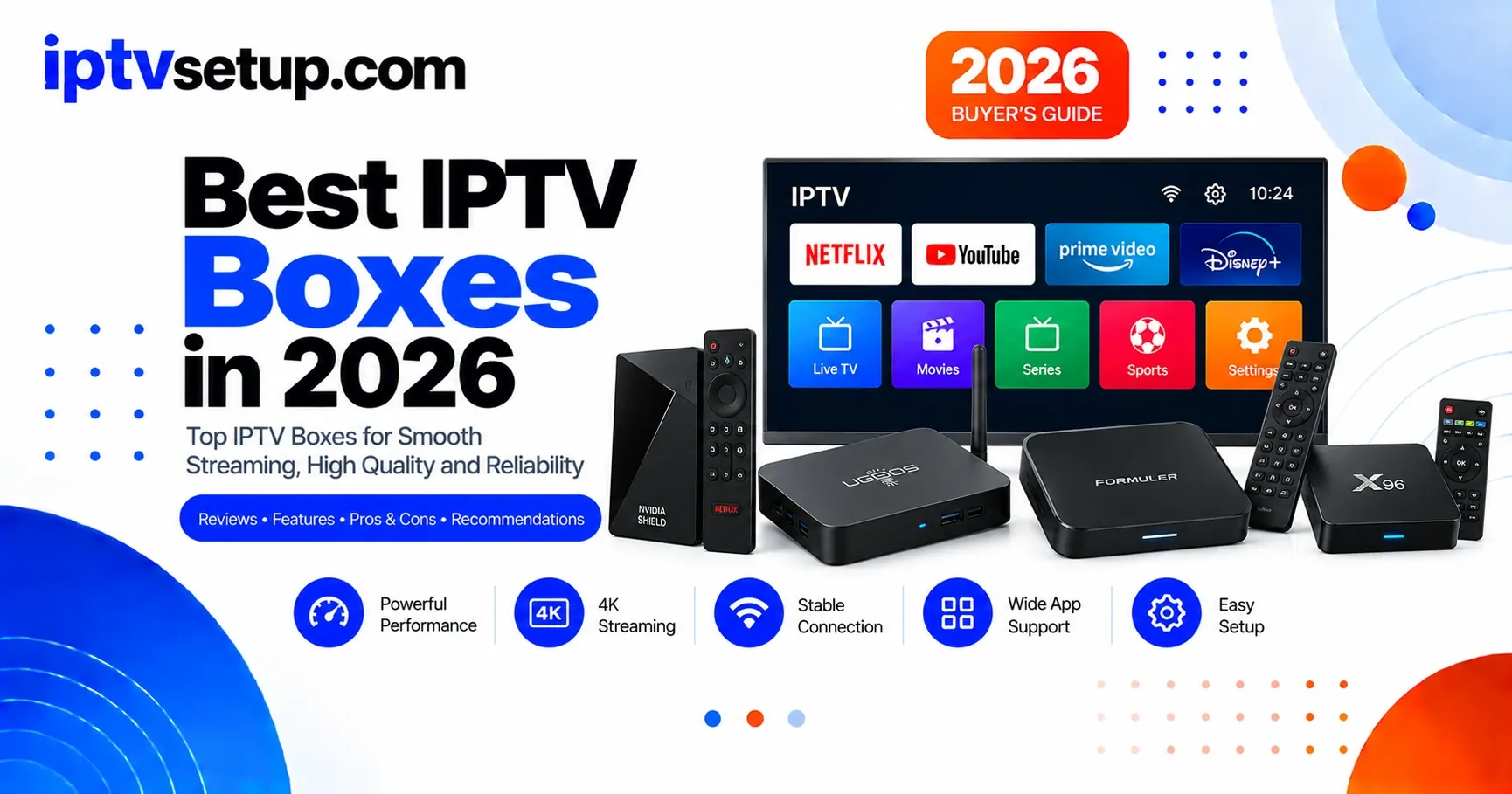
An IPTV box is a hardware device that connects to your TV and runs IPTV player apps to stream live TV and on-demand content over the internet. Unlike a Firestick which is a streaming dongle, dedicated IPTV boxes often offer better performance, more storage, and Ethernet ports for stable streaming.
What Is an IPTV Box?
An IPTV box is any device that can receive and play IPTV streams. Despite what some marketing might suggest, there is no such thing as a dedicated IPTV box - any device that can install apps and connect to the internet can run IPTV.
The term has stuck around because the first generation of IPTV devices were Android-based set-top boxes sold specifically for IPTV. Today, the best device for your setup depends on your budget, technical comfort level, and what TV you already own.
Here is what you can use: Amazon Firestick, Android TV boxes, Apple TV, Smart TVs (Samsung, LG, Sony), phones and tablets, computers (Windows, Mac, Linux), and even game consoles like Xbox and PlayStation.
How Good is the Firestick for IPTV?
The Amazon Firestick 4K is the most popular IPTV device on the market, and for good reason. It costs $49, plugs into any TV with HDMI, and supports virtually every IPTV app available.
What makes it great for IPTV:
- Affordable at $39-$49 depending on the model
- Runs a simplified version of Android that supports IPTV apps
- Small and portable - take it with you when traveling
- Supports 4K resolution and HDR
- Silent operation with no fan noise
- Voice remote included
The main downside is that the Firestick has limited storage (8GB) and may slow down over time as cache builds up. Clearing the cache every few months keeps it running smoothly. The Firestick 4K Max adds WiFi 6 support and slightly faster performance for about $10 more.
What Are Android TV Boxes?
Android TV boxes offer the most flexibility for IPTV. Unlike the Firestick which runs Amazon's modified Android, these devices run full Android or Google TV and can install apps from any source.
Budget pick: Xiaomi Mi Box S or Google Chromecast with Google TV ($40-$60). These offer a clean Google TV interface and support all major IPTV apps.
Premium pick: Nvidia Shield TV Pro ($200). This is the fastest Android TV device available. It upscales HD content to near-4K quality and handles even the most demanding IPTV streams without lag.
Android boxes are ideal if you want to sideload apps that are not in the official app store, if you need more storage for recording, or if you want a more open platform than the Firestick's locked-down ecosystem.
What Are the Smart TV Options?
If you have a Smart TV made after 2020, you may not need any extra device at all. Most modern Smart TVs can install IPTV apps directly:
- Samsung TVs run Tizen OS and support apps like Smart IPTV and SS IPTV
- LG TVs run webOS and have a growing selection of IPTV apps
- Sony and other Android TVs run Google TV and can install any IPTV app from the Play Store
The advantage of using your Smart TV is simplicity - no extra device, no extra remote, no extra HDMI cable. The disadvantage is that Smart TV processors are often slower than dedicated streaming devices, and app support varies by manufacturer.
How Do the Devices Compare?
Budget ($40-$60)
- Firestick 4K - Best for most people
- Chromecast with Google TV - Clean Android interface
- Xiaomi Mi Box S - Good budget Android option
Mid-Range ($80-$150)
- Firestick 4K Max - WiFi 6, faster CPU
- TiVo Stream 4K - Android TV with DVR
- Mecool KM2 - Solid Android TV box
Premium ($150+)
- Nvidia Shield TV Pro - Best overall performance
- Apple TV 4K - Best for Apple ecosystem users
- Formuler Z11 - Purpose-built for IPTV
My recommendation: start with a Firestick 4K. If you outgrow it, you have only spent $49 and can upgrade later. Most people never need anything more powerful.
Android TV Box vs Firestick for IPTV
I get asked this constantly: should I buy an Android TV box or just use a Firestick? I have tested both extensively, and the honest answer is that it depends on what you want to do. I actually keep both connected to different TVs in my house, so I have a good feel for the trade-offs.
The Firestick 4K ($49) is what I recommend to almost everyone. It is cheap, dead simple to set up, and runs IPTV Smarters Pro and TiviMate without any issues. The main downside I have run into is storage - with only 8GB, you will need to clear cache every couple of months to keep it running smoothly. I also noticed that the Firestick can feel sluggish when navigating through a massive channel list of 15,000+ channels. If you are a set-it-and-forget-it kind of person, the Firestick is your device.
Android TV boxes, on the other hand, shine when you want more control. A good mid-range box like the Chromecast with Google TV ($50) or a Xiaomi Mi Box S ($60) gives you a cleaner interface and better app compatibility. At the premium end, the Nvidia Shield TV Pro ($200) is in a league of its own - I have never seen it stutter, even with 4K streams and heavy multitasking. The downside is that cheaper Android boxes (under $40) are often junk - slow processors, outdated Android versions, and unreliable WiFi. For IPTV specifically, I would say go with a Firestick 4K at the budget level, spend $80-100 on a solid Android box for the mid-range, or splurge on the Nvidia Shield if you want the absolute best. Anything in between is usually not worth the money.
Common Questions
What is the best device for IPTV?
The Firestick 4K is the best for most people - $49, supports all IPTV apps, 4K resolution, and plugs into any TV. It is the most popular IPTV device for a reason.
Do I need a special box for IPTV?
No. Any device that installs apps and connects to the internet works. Smart TVs, Firesticks, Android boxes, phones, tablets, and computers all work for IPTV.
Is an Android box better than a Firestick?
Android boxes offer more flexibility and can install apps from any source. Firesticks are simpler and more polished. For advanced users, Android boxes win. For everyone else, a Firestick is better.
How much should I spend?
A great IPTV experience costs $40-$60 (Firestick 4K). Mid-range Android boxes cost $80-$150. High-end devices like the Nvidia Shield cost $200 but offer the best performance.